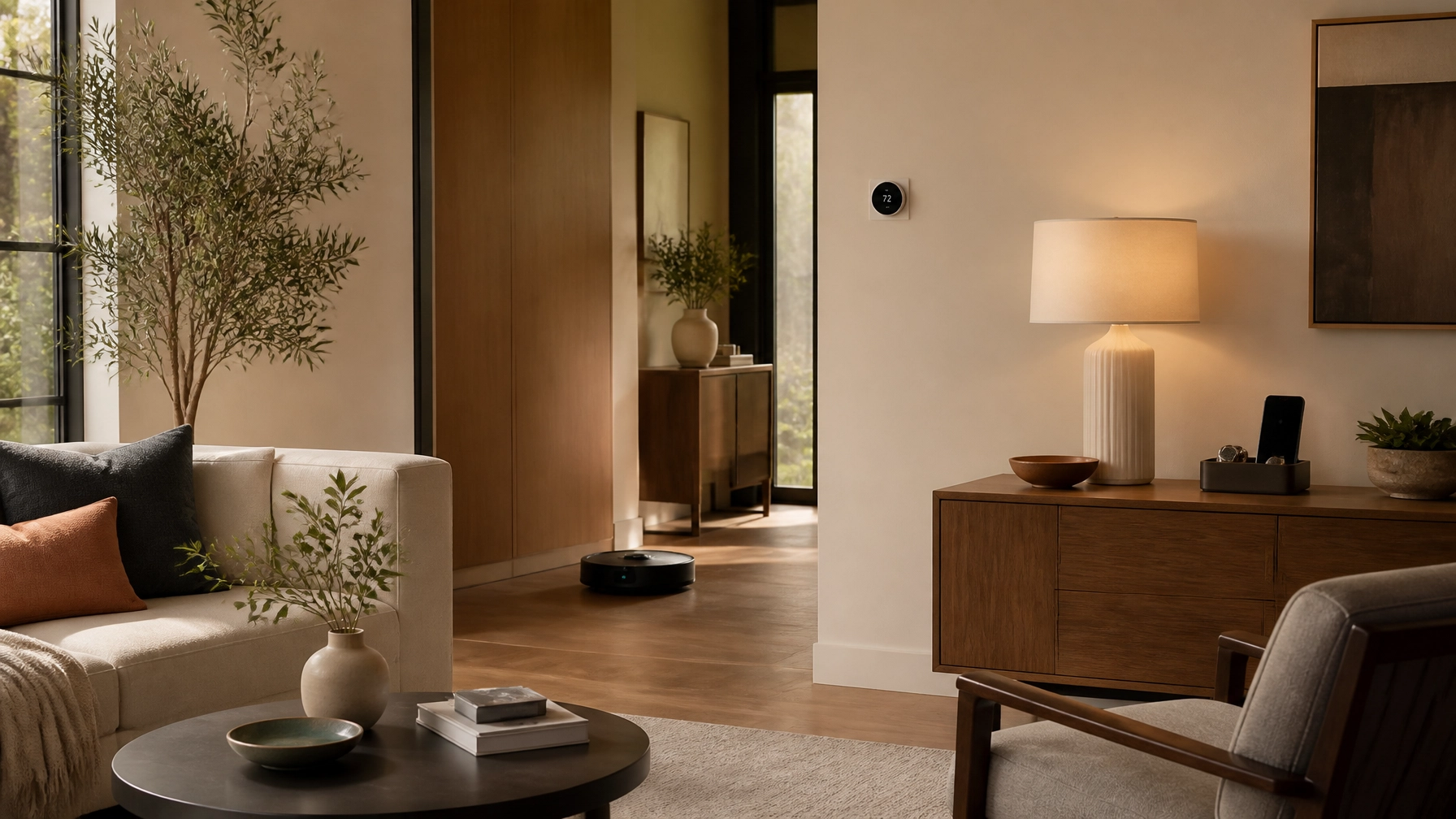
The best smart-home technology does not ask for your attention all day. It quietly removes a repeated annoyance: a light left on, a thermostat that needs constant adjustment, crumbs under the table, or the nagging question of whether the back door is locked.
That is the standard worth using. A device should make a routine easier often enough to justify the app, account, setup, maintenance, and privacy considerations that come with it. If it only adds another screen or another way to troubleshoot the house, the non-smart version may be the better choice.
These are the upgrades most likely to earn their place in a real home—and the situations where you can comfortably skip them.
Start with the friction you repeat most
Smart-home technology is easiest to justify when it solves a problem that happens frequently.
Before shopping, identify the task you perform repeatedly or the small uncertainty you carry through the day:
- Walking through the house to turn off lights
- Adjusting the thermostat several times a day
- Wondering whether the garage or back door is locked
- Cleaning pet hair and crumbs from floors
- Checking under sinks after a washing machine cycle
- Managing several phones, tablets, and rechargeable devices
- Remembering to turn off a lamp, fan, or countertop appliance
The best upgrade is not necessarily the most capable one. It is the device that removes one of these annoyances without creating three more.
A useful rule: begin with one room, one routine, or one repeated problem. A smaller system is easier to understand, maintain, and secure.
Smart lighting and dimmers: useful because you use them constantly
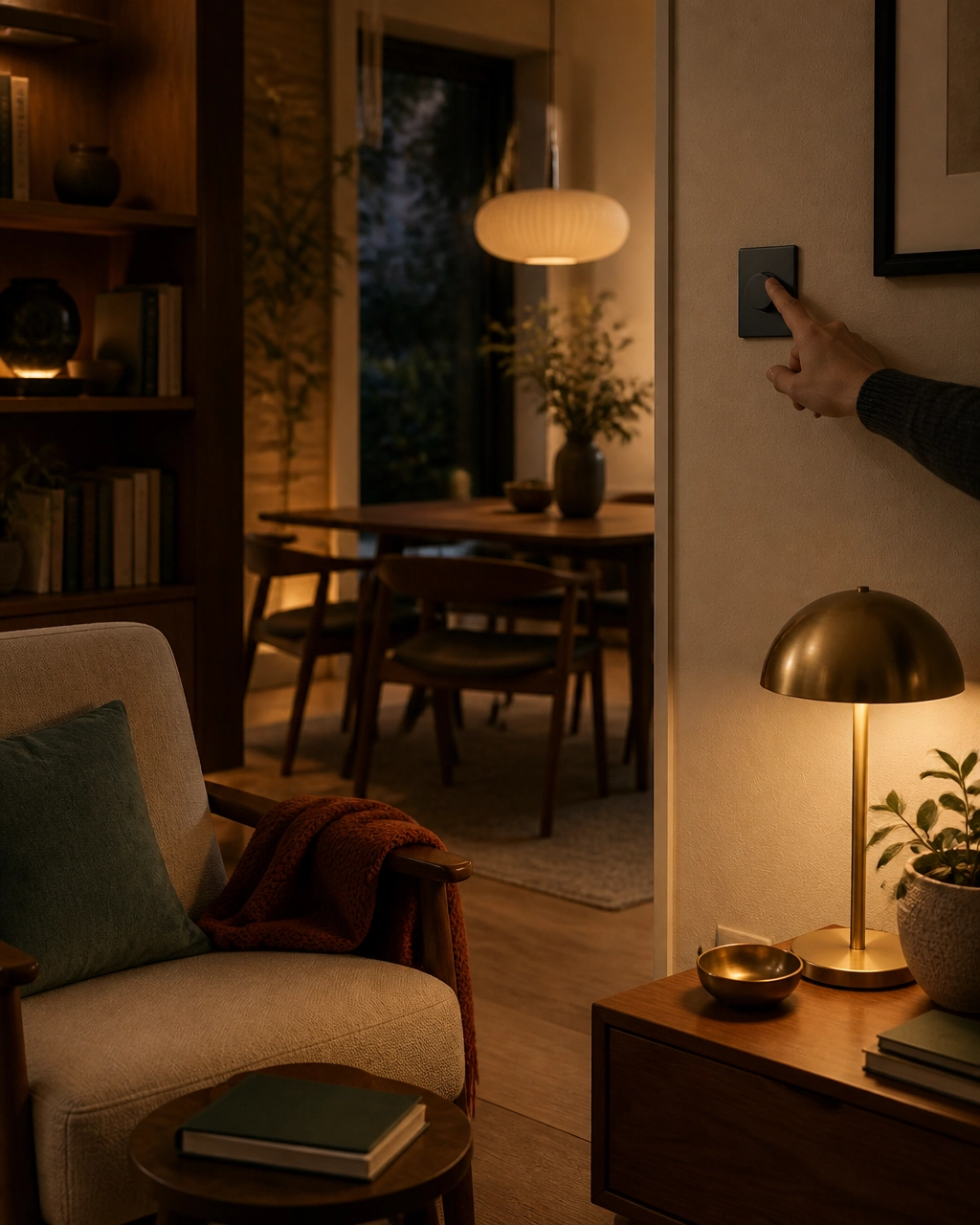
Lighting is one of the few smart-home categories that can improve daily life in small ways from morning through bedtime. The benefit is not that a bulb connects to an app. It is that the light can respond to how the room is being used.
A smart dimmer or smart switch can help you:
- Turn off several lights from one location
- Set a softer evening level without adjusting each lamp
- Schedule porch or entry lighting
- Turn on a hallway light at a particular time
- Control a lamp when the physical switch is inconvenient to reach
Who benefits most
Smart lighting is particularly useful in rooms with several fixtures, homes where switches are poorly placed, and households with predictable morning or evening routines. It can also help anyone who finds bright overhead lighting uncomfortable later in the day.
For whole-room control, a smart switch or dimmer is often more practical than replacing every bulb. The wall control remains familiar to guests, and the light still works in a conventional way when someone taps the switch.
Smart bulbs make more sense when you want different color temperatures, portable lamps, or room-by-room scenes without changing electrical hardware.
Tradeoffs to consider
Compatibility matters. A dimmer must be appropriate for the type of bulbs and wiring in the fixture, and installation may be unsuitable for some renters or older homes. Smart bulbs can become frustrating if someone repeatedly turns off the physical switch, cutting power to the bulb and making app control unavailable.
Look for devices that work with your preferred home platform. Matter is designed to improve interoperability across compatible smart-home ecosystems, but you should still verify that the specific device and features you want are supported by your preferred platform before buying.
The non-smart version may be better if you only need one light to turn on and off in one predictable place. A standard dimmer, timer, or motion-sensing switch may solve the problem with less setup and no account.
Smart plugs: small devices with a narrow but useful job
Smart plugs are appealing because they are relatively simple solutions to several everyday problems. Their strongest use is not controlling everything remotely. It is scheduling or automating a simple device that otherwise requires repeated attention.
Good candidates include:
- A lamp that should turn on at dusk
- A fan used on a regular sleep schedule
- An entertainment setup that can be powered down overnight
- Seasonal lighting
- A compatible low-power device that benefits from a predictable schedule
Choose devices that are appropriate for the electrical load, and avoid using a basic smart plug as a casual substitute for a properly rated control or safety device. Heating appliances and other high-draw equipment deserve particular caution.
Who benefits most
Smart plugs work well for people with predictable routines, hard-to-reach outlets, or lamps and appliances that lack built-in scheduling. They can also help create a simple “away” routine without replacing an entire lighting system.
Their weakness is that they can multiply clutter. Five plugs from five different brands can mean five apps, inconsistent reliability, and a confusing list of devices with names no one remembers.
The non-smart version may be better when a physical timer, power strip, or appliance setting already handles the job. If you will only use a plug once a month, the connection may not be worth managing.
Smart thermostats: worthwhile when they match your HVAC system
A smart thermostat can reduce repeated adjustments and help avoid heating or cooling an empty home. Remote control is useful, but the more meaningful benefit is having the system follow a schedule without requiring you to remember it every day.
ENERGY STAR says certified smart thermostats save an average household more than 8% on heating and cooling costs, or about $50 per year, based on field data from homes in the United States. Actual results vary with climate, HVAC usage, home insulation, and how the thermostat is used. Homes with higher heating and cooling bills or long periods of vacancy may have more opportunity to save. ENERGY STAR’s smart thermostat guidance provides useful context.
Who benefits most
This upgrade is most compelling for households with regular schedules, large seasonal HVAC bills, vacation properties, or a tendency to heat and cool an empty home. It may also improve comfort when the existing thermostat is inconveniently located or difficult to program.
Tradeoffs to consider
Compatibility comes first. Some systems require a common wire, a compatible voltage, or professional installation. Heat pumps, multi-stage systems, boiler systems, and older setups may need extra care. Confirm compatibility with the HVAC manufacturer or a qualified installer rather than assuming the thermostat will work.
Thermostats also collect information about temperature settings, occupancy patterns, and household routines. Review the manufacturer’s privacy policy and account-security options. If you do not want a device tracking your schedule, a well-programmed conventional thermostat may be a more comfortable choice.
A smart thermostat is not automatically an improvement if you constantly override it. In that case, a reliable programmable model may provide similar scheduling with less data collection and fewer points of failure.
Smart locks: convenient, but not a casual purchase
Smart locks solve a specific collection of small problems: misplaced keys, temporary access for visitors, and uncertainty about whether the door was locked.
Useful functions may include:
- Temporary codes for houseguests or service providers
- A notification when the lock is operated
- Remote confirmation that the door is locked
- A scheduled locking routine at night
- Keyless entry when your hands are full
Who benefits most
Smart locks can be helpful for households with frequent visitors, caregivers, dog walkers, short-term guests, or family members who need access at different times. They can also be useful when the existing lock is awkward to operate.
The tradeoffs are more serious than they are with a smart lamp. The lock needs reliable power, the hardware must fit your door, and the app or account must be secured. Keep a physical key or another backup entry method, and monitor battery warnings rather than treating them as optional notifications.
Entry logs are sensitive household information. Use a strong, unique account password and two-factor authentication when available. Understand who can create codes, view activity, and unlock the door remotely.
A standard deadbolt is likely better if you rarely share access, prefer a simple mechanical solution, or are uncomfortable placing entry control in an app. Convenience is valuable here, but reliability should be the deciding factor.
Video doorbells and cameras: useful only with clear boundaries
A video doorbell can answer a practical question without requiring you to open the door: Who is there, and is the delivery at the right address? It may also help you notice visitors while you are away.
That does not mean every home needs cameras throughout the property. More coverage creates more notifications, more footage to manage, and more privacy considerations.
Before buying, investigate:
- Whether video history requires a subscription
- Whether local storage is available
- How long footage is retained
- Whether audio can be disabled
- How motion zones and privacy masks work
- Whether multiple household members can have separate access
- What happens if the internet connection is unavailable
Cameras and microphones deserve more scrutiny than lights or leak sensors. The Federal Trade Commission recommends changing default passwords, installing updates, securing the home network, and using account protections such as two-factor authentication for internet-connected devices. The FTC’s home-device security guidance is a useful starting point.
When to skip them
Skip a camera if you do not want to maintain recordings, tune alerts, or evaluate where the lens and microphone point. A doorbell with no recording plan may still provide a live view, but understand what functionality remains without a subscription. A conventional peephole, door viewer, or motion light may be enough for a home that does not need remote video.
Robot vacuums: a meaningful labor-saving upgrade for the right floor plan

A robot vacuum does not replace every kind of cleaning. Its value is more specific: it can handle repeated, lower-level floor maintenance so dust, crumbs, and pet hair do not accumulate as quickly between deeper cleanings.
Who benefits most
This category is most useful in homes with mostly open floor areas, hard flooring, low-pile rugs, pets, children, or anyone who finds frequent sweeping difficult to keep up with. Scheduled cleaning can be helpful because it reduces the need to remember the task.
Tradeoffs to consider
Robot vacuums need a reasonably clear path. Cords, small toys, clothing, and clutter can interrupt a cleaning run. The device also needs maintenance: emptying the bin, cleaning brushes, replacing filters, and dealing with occasional mapping or navigation issues.
Some models use cameras or detailed sensors to navigate and map rooms. A home map can reveal the layout of your living space, so privacy should be part of the decision. Review whether maps are stored in the cloud, whether local control is available, and which features require an ongoing subscription.
The non-smart version may be better for a small apartment, a crowded floor plan, or a home where vacuuming is already easy to do manually. A robot that spends more time being rescued than cleaning is not reducing friction.
Leak sensors: a quiet upgrade with a clear purpose
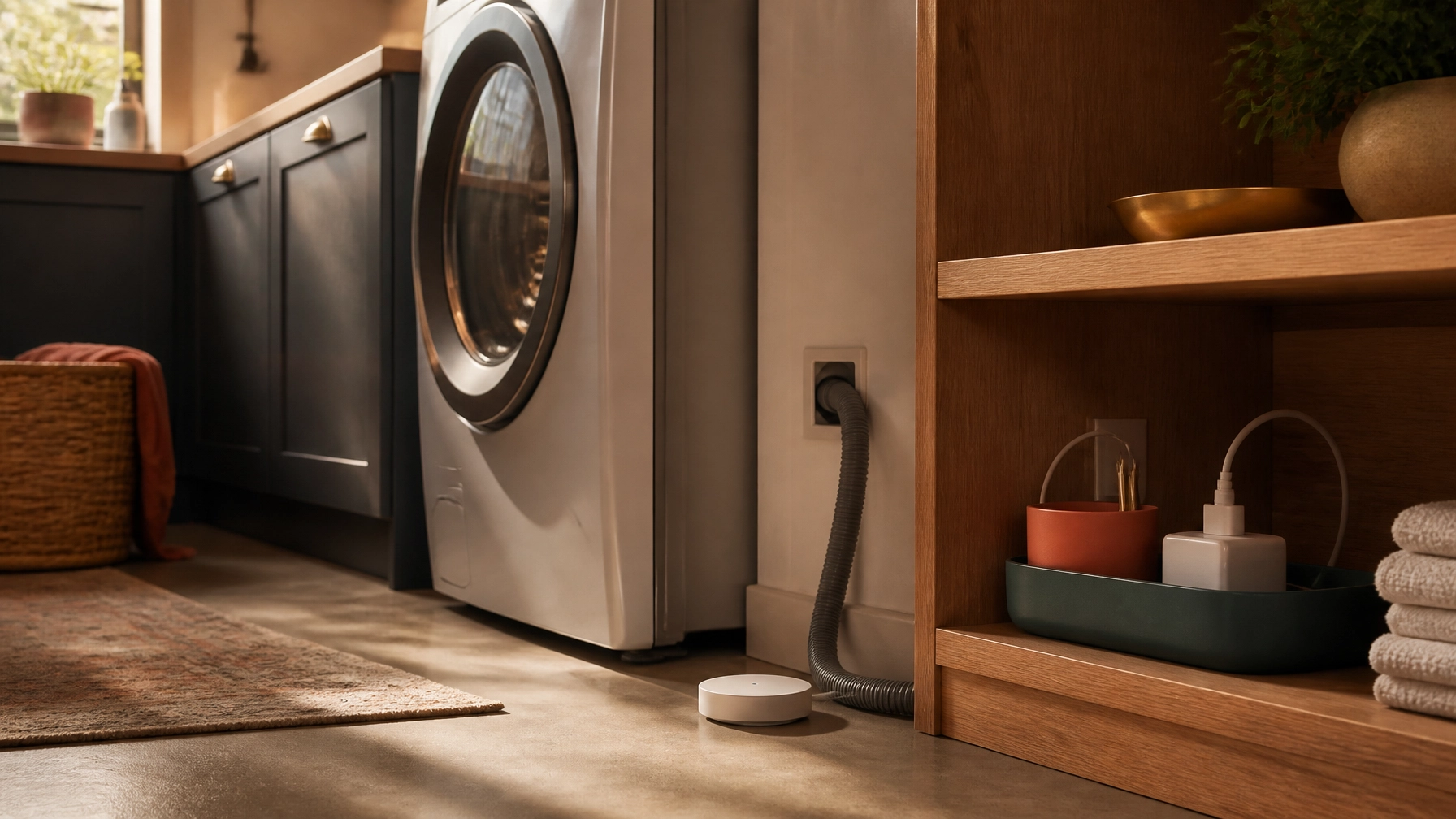
Leak sensors are not entertaining, but they solve a problem where early notice can matter. Place them near a water heater, washing machine, dishwasher, under-sink plumbing, or other area where a small leak could go unnoticed.
They can send an alert when moisture is detected. More involved systems may connect to an automatic shutoff valve, but whole-home shutoff equipment generally requires careful installation and should not be treated as a casual plug-in purchase.
Who benefits most
These sensors are especially sensible for homeowners, people who travel, households with laundry equipment on upper floors, and anyone with plumbing areas that are difficult to inspect regularly.
Maintenance is modest but real. Test the sensors occasionally, replace batteries as needed, and make sure alerts reach someone who can respond. A sensor that is buried behind stored items or paired with an ignored notification is not doing much.
Privacy risk is generally lower than with cameras or microphones, though connected devices still use accounts and may transmit data to a vendor’s service. Read the basic data and outage details before buying.
If you check vulnerable areas often and would not act on remote notifications, a visual water alarm may be enough. The smart version is most useful when you may be away from home when a problem begins.
Routines and charging systems: automate the routine, not the entire house
Automation works best when it is simple, predictable, and easy to undo.
A useful routine might turn off downstairs lights and lock the door at bedtime, lower the thermostat when the home is empty, or switch on a lamp before you arrive. Start with one trigger and one or two actions. If a routine contains too many conditions, it becomes difficult to understand when something does not happen as expected.
Device management can benefit from the same restraint. A dedicated charging area with labeled cables and one place for phones, tablets, headphones, and portable devices may improve daily life more than a complicated charging automation. A smart plug can schedule a particular charger or lamp, but many modern devices already manage charging internally. Do not buy a connected charger simply because it offers an app.
Voice assistants are worth considering only where hands-free control genuinely helps: setting a kitchen timer, turning off lights while carrying laundry, or adding an item to a shopping list. They are less useful when the same task is just as easy from a nearby switch.
Because voice assistants rely on microphones and may send or store voice recordings, review the device’s recording controls, physical mute options, retention settings, and account permissions. A physical timer, switch, or written list may be preferable for households that would rather not keep an always-available microphone in the room.
Choose a simple system before choosing more devices
A smart home becomes easier to live with when it has a clear center of gravity.
Pick one primary platform that works for the people in your household, then check whether new devices support it. Matter can reduce some cross-brand compatibility problems, but product-specific limitations still exist. Confirm the features you need rather than relying on a logo on the box.
Also look for:
- Core functions that work without a subscription
- Local control or local storage where practical
- Clear software-update policies
- Strong account security and two-factor authentication
- Manual controls when the app, Wi-Fi, or cloud service is unavailable
- A realistic plan for batteries, filters, and device replacement
The most reliable setup may include fewer devices than you expected. A smart thermostat, a few well-placed lights, one useful cleaning device, or leak protection may be enough.
The practical starting point
If you want to begin carefully, choose the category connected to your most repeated annoyance:
- Forgotten lights: Start with a smart switch, dimmer, or one smart plug.
- Thermostat adjustments: Check HVAC compatibility before considering a smart thermostat.
- Daily floor maintenance: Consider a robot vacuum only if the floors are reasonably clear.
- Shared access: Look at a smart lock with strong backup entry options.
- Travel or plumbing concerns: Start with leak sensors in the highest-risk locations.
- Too many devices: Improve charging and cable management before adding more automation.
A smart home should feel calmer, not more demanding. The right upgrade performs a small useful job repeatedly, gives you a straightforward manual fallback, and does not require constant supervision. Everything else can wait.
Explore the Things Well Chosen Tech & Automation section for more useful electronics, smart-home ideas, and practical ways to make everyday routines easier.